
Frostpunk 2 Guide: Early Game Tips for a City That Lasts
This Frostpunk 2 guide covers city layouts, research, laws, resource management and Frostland exploration to help you survive your first Whiteout and grow.
Jump to
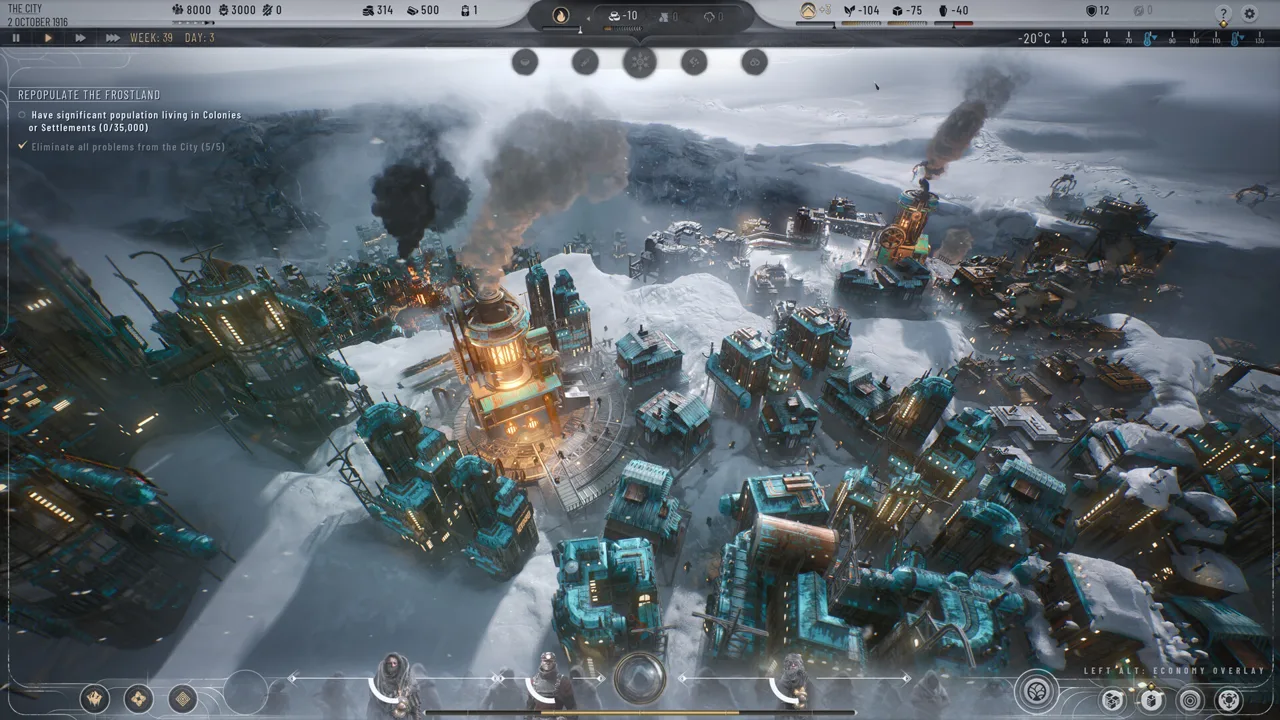
Frostpunk 2 punishes a sloppy start. Early choices shape everything that follows, from your fuel supply to whether the Council keeps you in power. This Frostpunk 2 guide covers the openings, layouts, research picks and political habits that keep a city alive long enough to face its first Whiteout. Most of it applies to both the story campaign and Utopia Builder.
Your First Moves: Pause, Raise Funds, Break Ice
Hit pause the moment a run begins. The city is already thousands strong, and the clock runs in weeks.
- Raise funds when relations allow it. Use the Raise Funds action on a faction or community to gain Heatstamps. Put that money toward essential construction, and fulfill promises to rebuild goodwill. Avoid draining political support during a crisis.
- Check the Generator. Turn it on when fuel is available, and compare its heat output with the city's demand.
- Frostbreak toward coal. Clear a route to a coal deposit and enough surrounding space for an Extraction District. Reserve Heatstamps and Workforce for construction rather than clearing terrain you cannot use yet.
- Head for a Logistics District site. Frostbreak toward an old way station so you can start exploring the Frostland quickly.
- Build housing right away. A shelter shortage increases cold, and exposed citizens can freeze to death.
Check available Workforce before queuing more construction. Reduce employment in less urgent districts when you need workers elsewhere, remembering that lower employment also reduces output.
District Layout and Adjacency Bonuses
An area effect applies when at least three tiles of a district sit inside its zone. While you place a district, the tooltip shows a dot for each tile under the effect. Inspect resource deposits and terrain bonuses before committing to a layout.
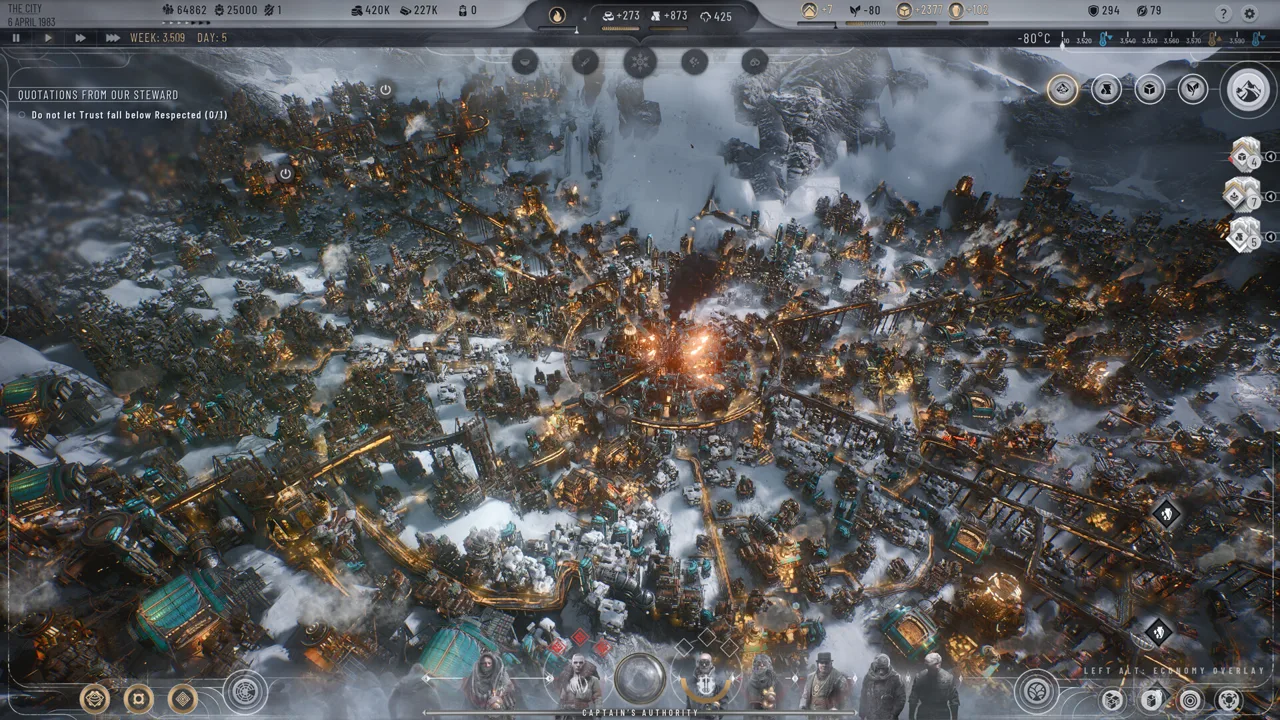 Image: Steam / 11 bit studios
On New London's starting map, two canyons beside the Generator shelter housing from the wind. Place housing to combine sheltered terrain with adjacency to another Housing District, and use the placement preview to confirm both benefits before building.
| Pairing | Effect |
|---|---|
| Housing next to Housing | Lower heat demand |
| Housing next to Food | Lower heat demand |
| Industrial sharing a 3-tile border with Extraction | Lower Materials consumption |
| Housing next to Industrial or Extraction | Extra squalor |
| Food next to Industrial or Extraction | Extra disease |
Group housing with food production, and keep polluting industry away from both. Leave single empty tiles between districts as you build. Preview hub coverage in those gaps before committing; nearby districts need enough tiles inside the effect area to receive the benefit.
Districts, Expansions and Buildings
Standard city districts take six tiles. Most can be expanded once, adding three tiles. Housing can be expanded twice, adding six tiles in total. Housing starts with no building slots, so expand one Housing District early to make room for your Research Institute.
 Image: Steam / 11 bit studios
- Expand for output, slots and nodes. Expansion increases a district's capabilities and provides another building slot. Leave adjacent terrain available so nearby construction does not block it.
- Compare buildings with new districts. Compare a researched Coal Mine's output with the cost of another Extraction District. Check their Workforce, heat and Materials requirements before choosing an upgrade.
- Covering more nodes adds supply, not speed. A district over several coal nodes mines at the same base rate as one over a single node. The larger resource pool lasts longer.
- Use employment sliders. Reduce Workforce and resource requirements when full production is unnecessary, then restore employment before shortages develop.
- Demolishing refunds Prefabs. Tear down depleted districts to recover construction resources and make room for another use.
Industrial Districts produce either Prefabs or Goods and do not require a resource deposit. Establish Prefab production before your construction reserve runs out, then check the output selector whenever you need to shift between building supplies and consumer demand.
Research Priorities
Reserve Heatstamps for research as well as construction. Unlocking a building does not construct it, and researching a policy does not enact its law.
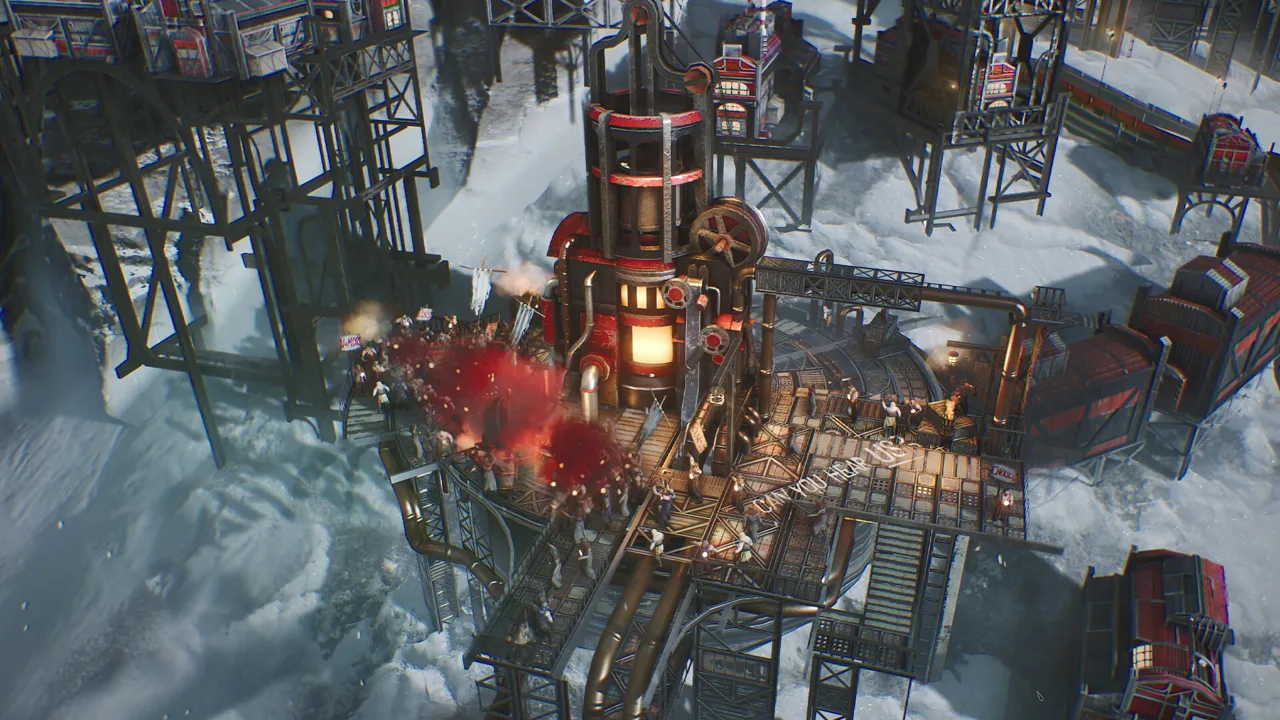 Image: Steam / 11 bit studios
Most ideas offer variants backed by different factions, and finishing a faction's variant improves your relationship with it. Even when two options are identical, pick the faction that's harder to please.
Get these early:
- Coal Mines, choosing between variants such as the Dust Coal Mine and Blasting Coal Mine. Compare output with their different Workforce, Materials and city-problem costs.
- Sawmills, Hothouses and Factories, so you can improve existing production districts.
- Housing Insulation, before the next temperature drop.
- Survivalists' Headquarters and exploration training, to reduce territory threat before sending teams into dangerous areas.
- Hubs, which improve district efficiency when your layout has room for them.
Building more Research Institutes speeds up research. Rush Researchers helps temporarily but costs trust. Since the Breach of Trust release update, the action lasts 20 weeks instead of 30 and provides a smaller research-speed bonus. Budget around that shorter boost when a promise deadline is approaching.
Council, Laws and Factions
A law needs majority support to pass. Your first New London Council session includes a vote of confidence, and losing it ends the run, so negotiate rather than gamble.
How negotiation works:
- A promise sways a community's hesitant delegates and flips some opponents. Promise laws or research you already planned to do.
- A group with an active promise won't negotiate again until you fulfill it. Plan your promises around the laws you actually need.
- Factions are more rigid than communities and won't negotiate on laws that go against their worldview.
- Grant Agenda lets a group choose the next law brought to a vote. Inspect your outstanding commitments before handing over that Council opportunity.
- Keeping a promise raises trust. Repealing a law you promised can still anger that faction later.
Pass these early: a Childhood law, a Necessities law, a Funerals law and a Contagion Prevention law. Compare Durable Goods with Mass-Produced Goods before choosing your Goods law. City Development Effort provides a small passive Prefab income.
The Zeitgeist tracks your city on three axes: Progress vs. Adaptation, Merit vs. Equality, and Tradition vs. Reason. You can't please everyone. Aim for more supporters than enemies, keep trust high and tension low, and address dissent before it becomes disruptive. Low trust can trigger protests.
Frostland Exploration and Colonies
Shallow resource deposits eventually run out, and the Frostland provides additional supplies. Logistics Districts provide Frostland Teams. Expand Logistics Districts when you need more teams for exploration.
- Territories come in four difficulties: open, rugged, challenging and blocked. Threat level determines whether your teams face injuries or deaths. Clear safe areas first and save dangerous expeditions until research has lowered their threat.
- Harvesting areas only need teams assigned. Outposts need a connection back to the city, and each Trail section adds cost. Skyways become available through research and improve transport.
- An outpost supplies one resource type and eventually runs dry. Eligible outposts can become permanent settlements through the appropriate research and construction. Further settlement upgrades increase output and provide Whiteout resistance.
- Colonies have their own economy but no Council. Their population cannot grow independently, so send people from your capital. Use the transfer panel to move resources and people between cities. If your capital falls, you lose regardless of your colonies' condition.
Before establishing a colony, reserve enough Heatstamps and Prefabs to build shelter and resource extraction there. Check the capital's employment afterward: relocating colonists reduces the Workforce available to keep its districts running.
Keep teams available for operating resource sites and constructing connections. Exploring another territory accomplishes little if every team is committed and you cannot bring its supplies home.
Preparing for the Whiteout
Whiteouts move across the Frostland, increase heating pressure and interrupt vulnerable production and resource sites. Watch the weather timeline and prepare each city before the storm reaches it.
- Build food storage before it fills. Food Stockpile Hubs increase capacity. Accumulate enough food to cover the city's demand during reduced production, including shipments needed by dependent colonies.
- Place fuel storage near extraction. Fuel Stockpile Hubs increase storage and reduce Workforce requirements in qualifying neighboring districts. Compare the workers saved with the hub's own staffing cost.
- Fix the largest shortages first. Inspect cold, hunger, disease, squalor and crime individually. A severe, growing problem needs attention even when the other resource balances look healthy.
- Use emergency tools carefully. Emergency Shifts boost output but lower trust. Monitor Generator Overdrive strain and switch it off before it becomes dangerous.
- Enter the storm with political support. Keep promises and reduce tension beforehand so shortages do not arrive alongside an avoidable protest.
Read stockpiles alongside their consumption rate. A positive food balance before the storm does not guarantee enough reserves when production falls. Likewise, a large coal reserve cannot support an oil-only Generator after you change its fuel requirements.
Maintain a Materials reserve, too. Production buildings can stop operating when their resource requirements are unmet. Inspect damaged districts and repair essential infrastructure before it becomes another interruption.
During the storm, reduce employment in nonessential production when your reserves can cover consumption. Reassign those workers where they are needed, and keep checking both the capital and its colonies.
Versions, Expansions and Achievements
Frostpunk 2 launched on September 20, 2024, from 11 bit studios. You can find it on the Frostpunk 2 Steam page.
- Full controller support and adjustable difficulty are available.
- There are 79 Steam achievements, including Urban Planner, Revered Leader, Lawmaker and Checks and balances.
- Since Patch 1.5.4, the Air Transport Hub affects buildings inside districts, and the Survivalists' Headquarters threat reduction stacks.
- Fractured Utopias adds eight faction skill trees, dedicated faction hubs and housing variants to Utopia Builder.
- The Surge, the third expansion, launches on December 14, 2026.
Breach of Trust changes the opening in New Edinburgh. Hotfix 1.6.1 raised starting Prefabs there from 30 to 130. Free up Workforce by deconstructing Steam Extraction Districts you do not need; steam is plentiful early, and removing districts also delays tremors. On lower difficulties, keep the southernmost Steam Extraction District while deconstructing the others.
The starting Warm Logistics District supplies 20 Frostland Teams, enough to reach medium-difficulty territories immediately. Use community actions to help cover the opening food shortage, and explore nearby territories for additional food.
Plan emergency shelter coverage across every district in New Edinburgh. Housing coverage alone does not protect workers elsewhere during tremors. If casualties continue despite coverage, inspect districts for damage or disabled operation.
FAQ
What difficulty should I start on?
Start on the easiest setting. Use the extra room for error to learn resource handling, district placement and Council negotiations before moving up.
Should I make promises in the first Council vote?
Yes. Losing New London's vote of confidence ends your run. Promise research or actions you already intend to complete, and check their deadlines before accepting.
Why are my districts wearing down?
Squalor damages districts. Repair essential districts with Prefabs before they break.
Continue exploring

Frostpunk 2 System Requirements: Min, Recommended & Mac
Check the Frostpunk 2 system requirements for PC and Mac, from GTX 1050 Ti minimum to RTX 2060 Super recommended, plus SSD notes and key performance tips.

Frostpunk 2 Buildings Guide: Districts, Hubs and Upgrades
Our Frostpunk 2 buildings guide covers every district, key buildings, hubs and adjacency bonuses so you can heat, feed and supply your city efficiently.
Join the community
Official channels for news, updates and player help: