
Frostpunk 2 System Requirements: Min, Recommended & Mac
Check the Frostpunk 2 system requirements for PC and Mac, from GTX 1050 Ti minimum to RTX 2060 Super recommended, plus SSD notes and key performance tips.
Jump to
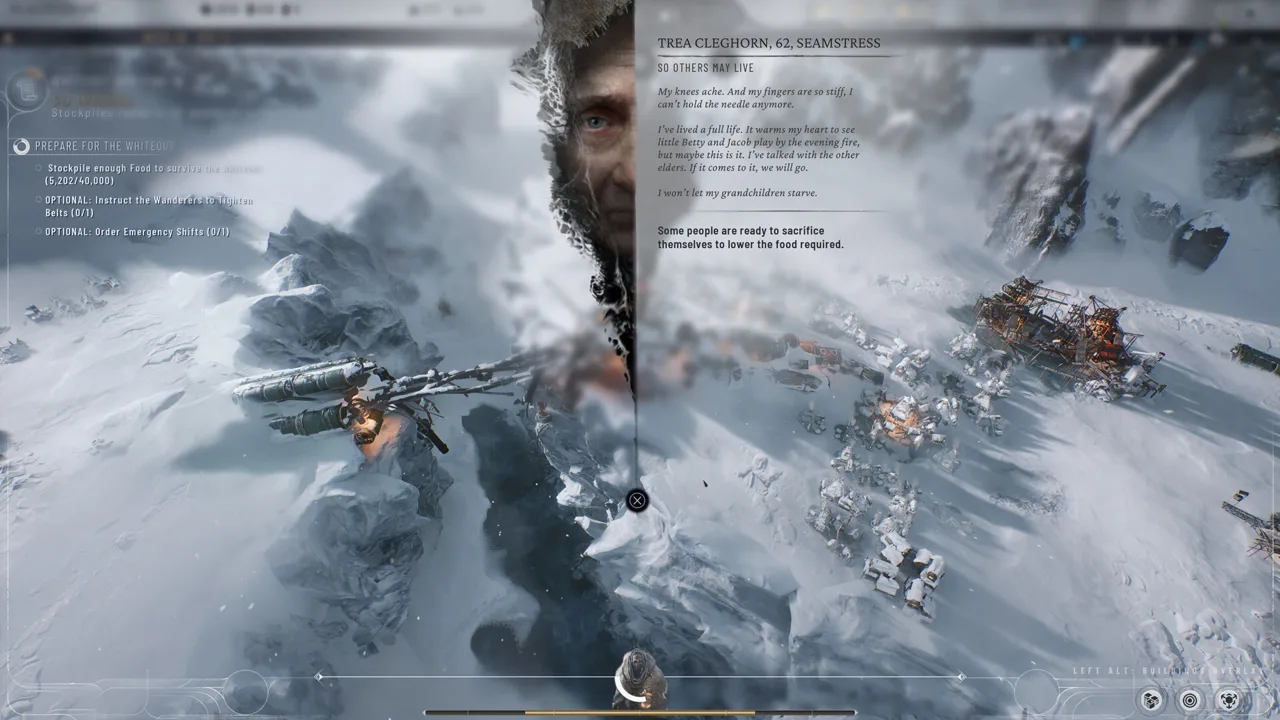
Frostpunk 2 runs the economy of a whole city, its political factions and several colonies all at once, so your hardware matters well before the first whiteout. Below are the full Frostpunk 2 system requirements for Windows, the Mac specs, and the parts of the spec sheet that most often trip people up. The biggest one is the SSD: it isn't optional. The game launched on September 20, 2024, and 11 bit studios has shipped a steady stream of performance and stability patches since then.
Minimum and Recommended PC Specs
These are the current specs on the Frostpunk 2 Steam page. Early listings named only "Ryzen 5 / Core i5 2.5 GHz" and "Ryzen 7 / Core i7 2.8 GHz." The store now lists exact CPU models, so use those as your benchmark.
| Component | Minimum | Recommended |
|---|---|---|
| OS | Windows 10/11 (64-bit) | Windows 10/11 (64-bit) |
| CPU | AMD Ryzen 5 1600 / Intel Core i5-8400 | AMD Ryzen 7 3700X / Intel Core i7-10700 |
| RAM | 8 GB | 16 GB |
| GPU | AMD RX 550 4 GB / NVIDIA GTX 1050 Ti 4 GB / Intel Arc A310 4 GB | AMD RX 5700 8 GB / NVIDIA RTX 2060 Super 8 GB / Intel Arc A770 8 GB |
| DirectX | Version 12 | Version 12 |
| Storage | 30 GB, SSD required | 30 GB, SSD required |
You need a 64-bit processor and a 64-bit operating system for either tier.
Reading the Spec Sheet Correctly
A few details on the list matter more than they first appear to:
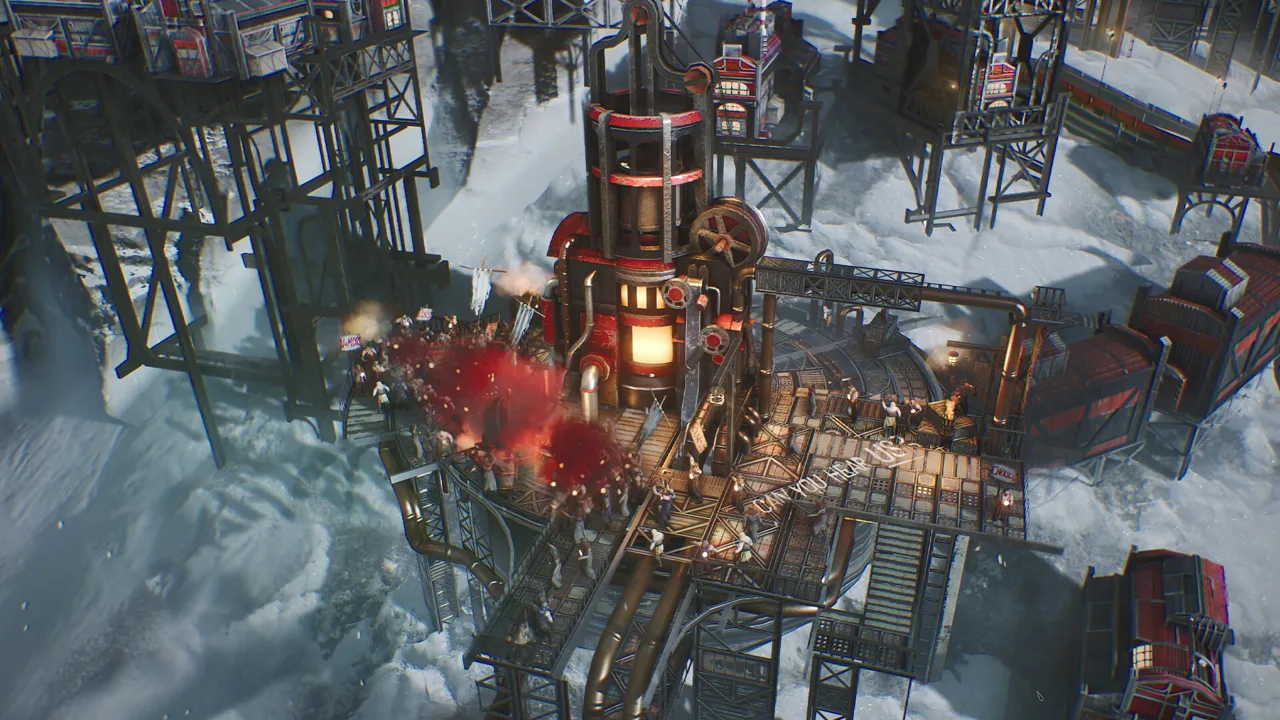 Image: Steam / 11 bit studios
- The SSD is mandatory. Both tiers say "SSD required," so don't install the game on a hard drive.
- VRAM doubles between tiers. The minimum cards all have 4 GB, and the recommended cards all have 8 GB. If your GPU has only 4 GB, play at lower texture settings.
- The minimum card is the GTX 1050 Ti, not the plain GTX 1050. Some spec roundups drop the "Ti." The non-Ti card falls below the listed floor.
- The AMD minimum card is the RX 550, and the recommended card is the RX 5700. Watch for garbled numbers in some listings.
- DirectX 12 is required. Older cards without DX12 support won't run the game at all.
- Aim for 16 GB of RAM if you plan long campaigns. The late game has you juggling a main city and multiple colonies, and you can swap between them almost instantly.
Mac Requirements
Frostpunk 2 runs natively on macOS through Steam on Apple Silicon:
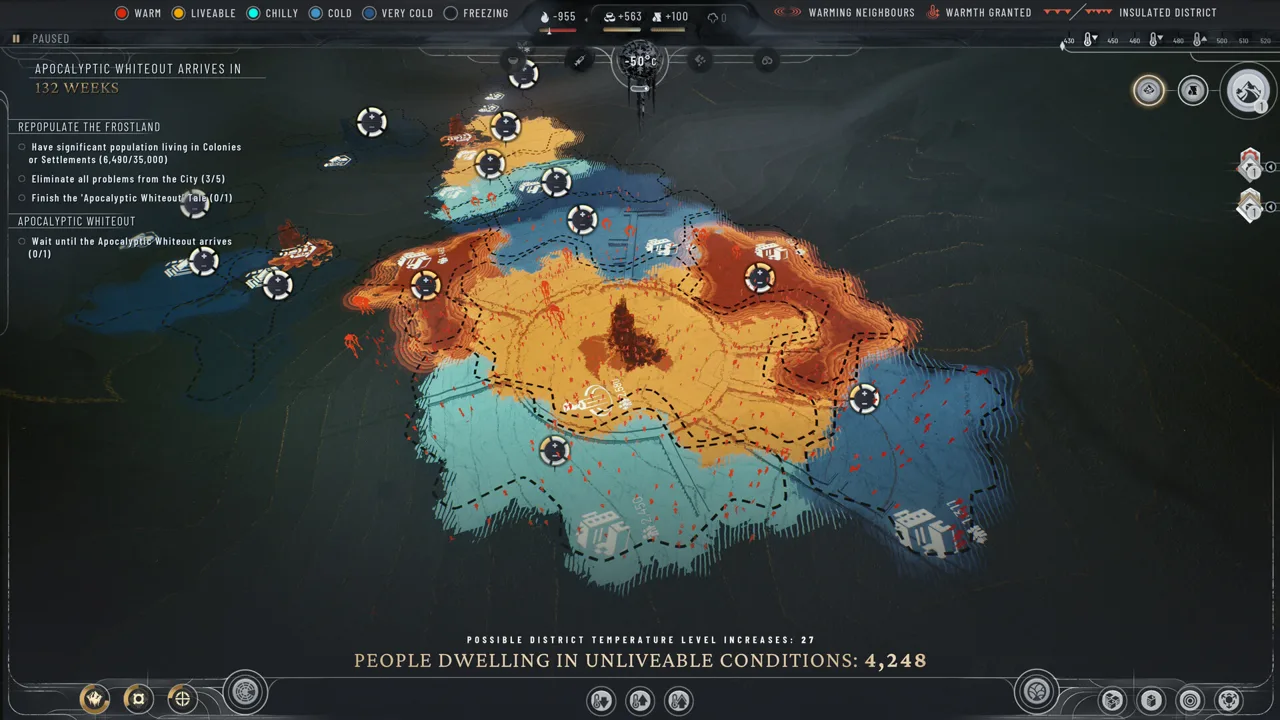 Image: Steam / 11 bit studios
| Component | Minimum | Recommended |
|---|---|---|
| OS | macOS 14.5 | Latest macOS |
| Chip | Apple M1 | Apple M1 Pro |
| RAM | 8 GB | 16 GB |
| Storage | 30 GB | 30 GB |
| Expected settings | Very low to low | Medium |
A base M1 will run the game on very low to low settings. Aim for an M1 Pro or better if you want medium settings. The developers have also fixed Mac-specific bugs since launch. For example, Patch 1.5.4 fixed missing DLC prompts when you load a DLC save on a Mac that doesn't have the DLC installed.
Controllers, Consoles and Linux
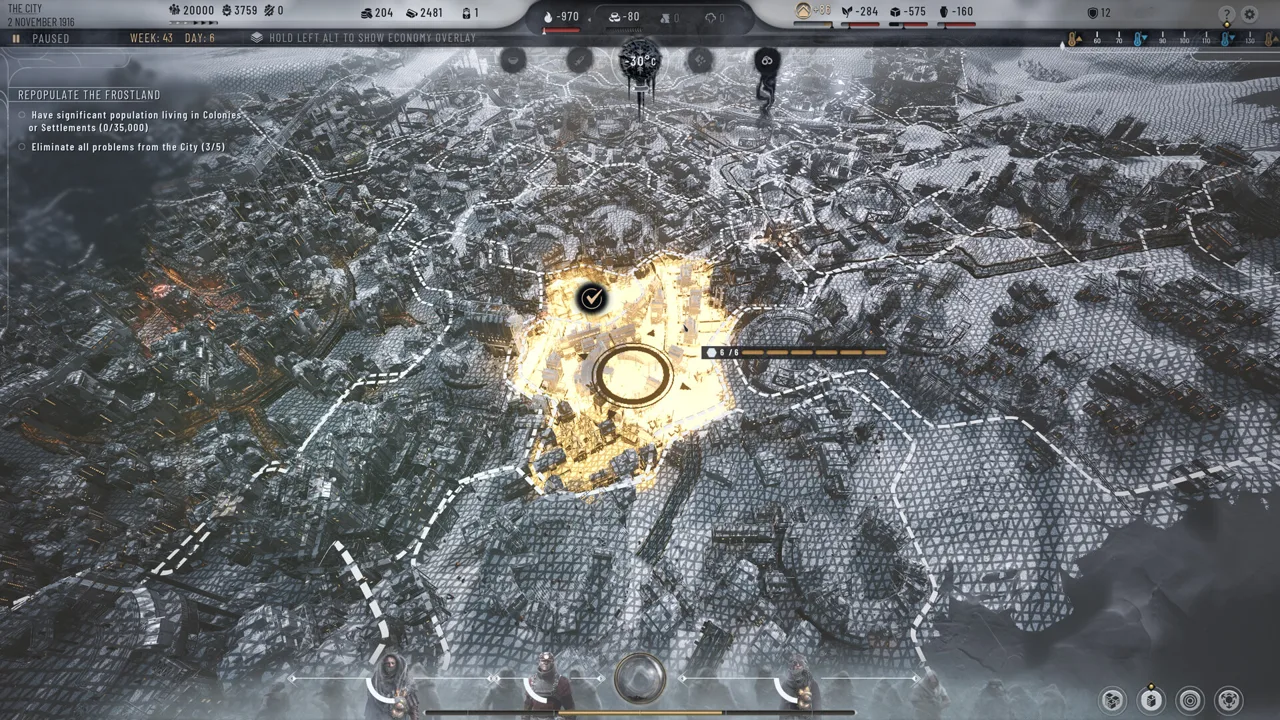 Image: Steam / 11 bit studios
- Controllers: Full controller support arrived in Patch 1.4. The Steam store also lists DualShock and DualSense support.
- Consoles: The console version launched on September 18th alongside Patch 1.4. Later hotfixes added console-specific visual polish, such as snow caps on district tiles at Low quality.
- Linux: There's no native Linux build. The Steam store lists only Windows and macOS.
How It Actually Runs: Performance Tips
The minimum spec will start the game, but a large city pushes even strong hardware. Even on a high-end PC, expect occasional frame-rate dips. Stutters tend to cluster around saving and around sprawling late-game cities with many districts and Frostland trails. Plan for this before you max out your settings:
- Drop shadow quality first if you're GPU- or memory-limited. Patch 1.5.4 specifically cut the shadow count to improve GPU and memory performance, which shows how much shadows weigh on both.
- Keep the game updated. Patch 1.5.4 also optimized performance during late-game temperature change events. It added major memory and object-count optimizations to UI widgets and fixed UI artifacts that appeared for RTX 50-series owners. Earlier, Hotfix 1.5.2 fixed snow flickering during whiteouts on Low graphics settings.
- Watch the Breach of Trust stability fixes. Hotfix 1.6.1 resolved several boot, runtime and subsystem crashes that appeared after the New Edinburgh expansion. If you crashed on that DLC before, update and try again.
- Expect the late game to cost more than the early game. Once you're running three cities with supply lines between them, a machine sitting right at minimum spec will feel it. If you're buying hardware with Frostpunk 2 in mind, budget for the recommended tier.
More content is still on the way. The Surge, the third and final story expansion, arrives on December 14, 2026, on PC and consoles. After that, active support is set to narrow to minor fixes and improvements, so the performance work already in the game is close to what you'll get.
Continue with
 Frostpunk 2 Steam Guide: Specs, DLC, Deck and UpdatesFrostpunk 2 on Steam explained: PC and Mac specs, Steam Deck settings, Workshop mods, achievements and every DLC through The Surge. Plan your purchase.
Continue exploring
Frostpunk 2 Buildings Guide: Districts, Hubs and Upgrades
Our Frostpunk 2 buildings guide covers every district, key buildings, hubs and adjacency bonuses so you can heat, feed and supply your city efficiently.
Frostpunk 2 Factions Guide: All 12 Factions and Abilities
Learn how Frostpunk 2 factions form, what each one believes, and which abilities they unlock in Story Mode and Utopia Builder. Then win over the Council.
Join the community
Official channels for news, updates and player help: